Configuring Code Repository
Connect STAR to your GitHub account so it can analyze repositories and create remediation pull requests.
GitHub integration
STAR connects to GitHub via OAuth for secure and scoped access.
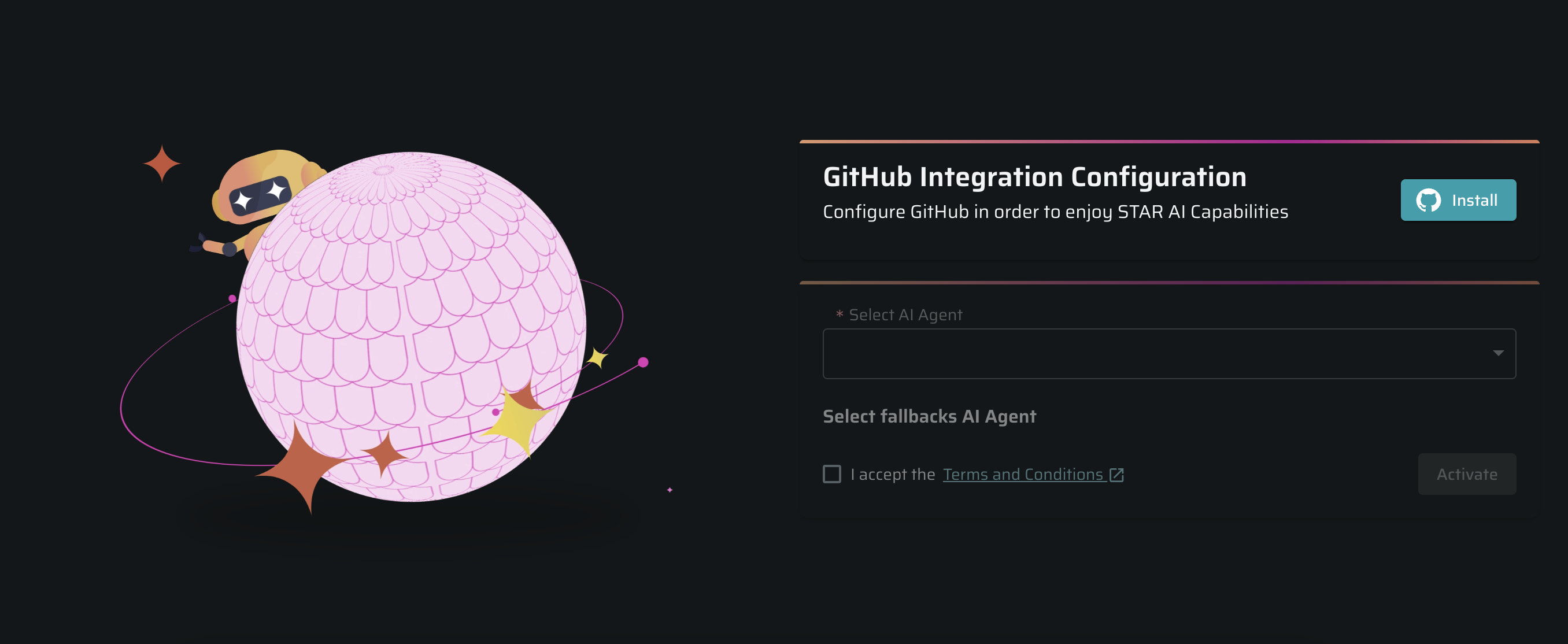
- In Bright’s Platform, navigate to Settings → STAR
- In the GitHub Integration Configuration section, click Install.
- In the dialog, click Activate.
- GitHub opens in a new tab so you can authorize the STAR application.
- Review permissions and click Install & Authorize
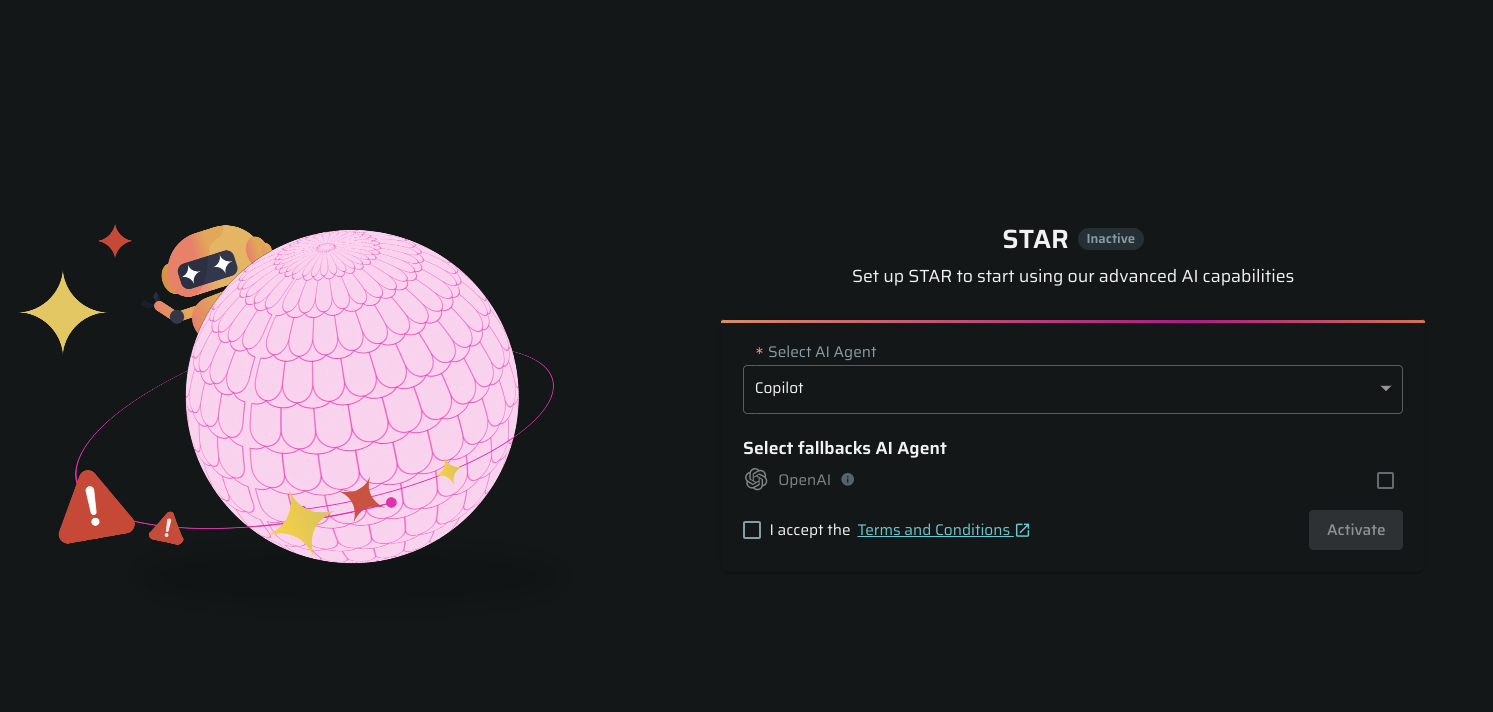
- After installation, Bright redirects you to the STAR page, where you can choose an LLM provider.
BitBucket integration
STAR connects to GitHub via OAuth for secure and scoped access.
Bright can access only the repositories where you have admin permissions in Bitbucket.
-
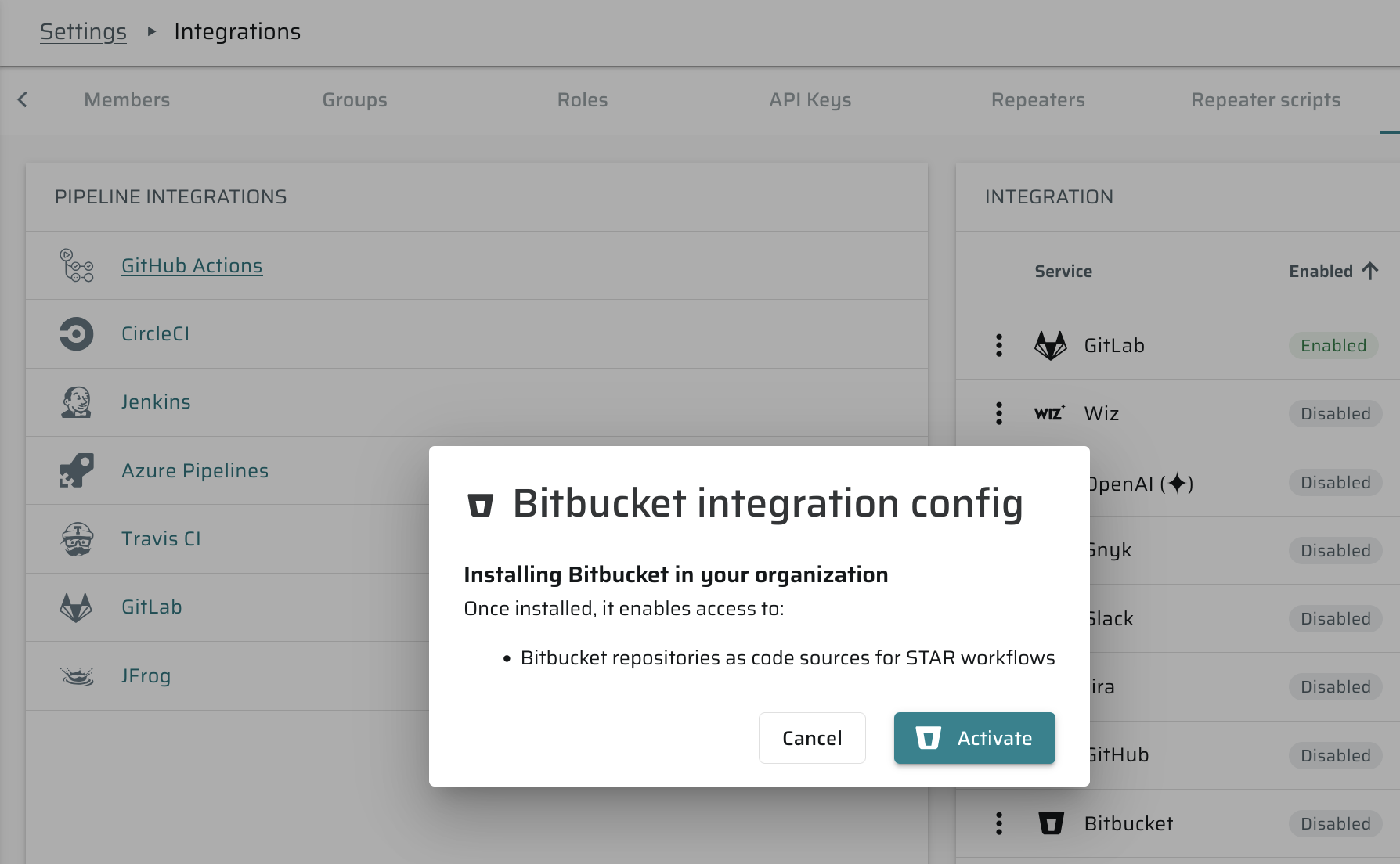
In Bright’s Platform, navigate to Settings → integrations
-
In the BitBucket Integration Configuration section, click ⋮ -> Settings -> Activate.
-
Bitbucket opens in a new tab so you can authorize the STAR application
-
Review permissions and click *Install & Authorize
-
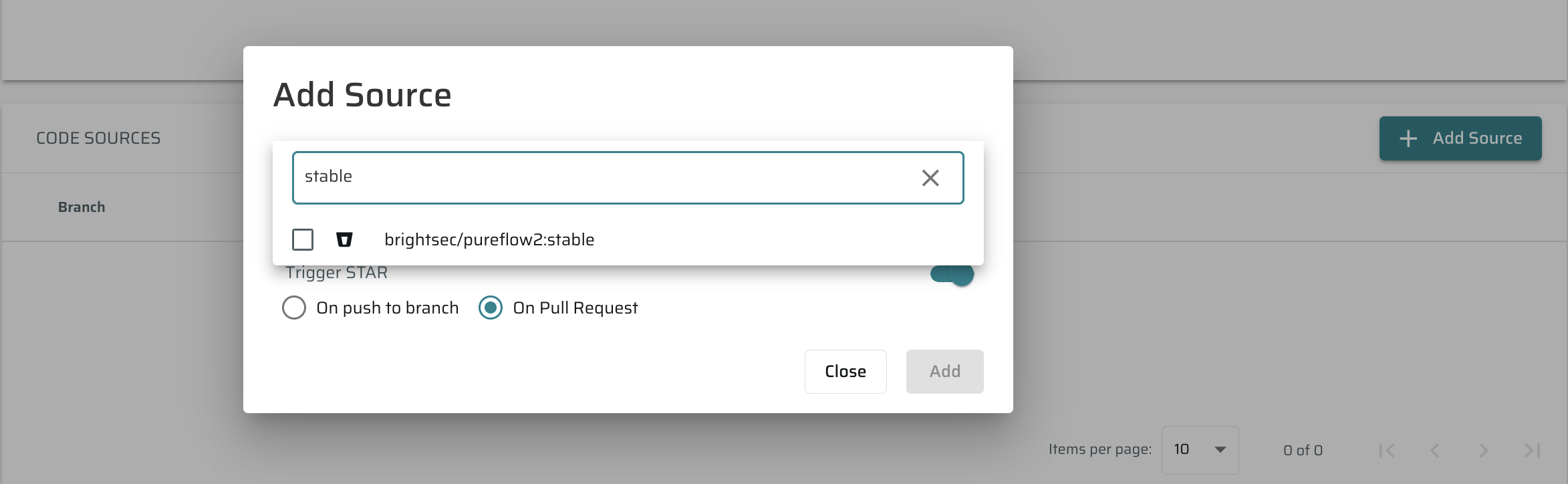
After installation, Bitbucket code sources will be available in Project -> Settings-> Code Sources