

Bright Security Github Plugin
The Bright Security plugin adds a Bright-powered agent to GitHub AgentHQ for cloud-based dynamic security testing. In a GitHub-hosted agent session, Bright can analyze the repository, start the application from source, prepare authentication, run a dynamic scan through a Repeater, and optionally generate fixes for confirmed findings.
This plugin is designed for cloud execution against the application started inside the GitHub environment. It is not intended for scanning arbitrary public or production URLs.
Installation
- Find the Bright Agent app in GitHub Marketplace.
- Install the app for your organization.
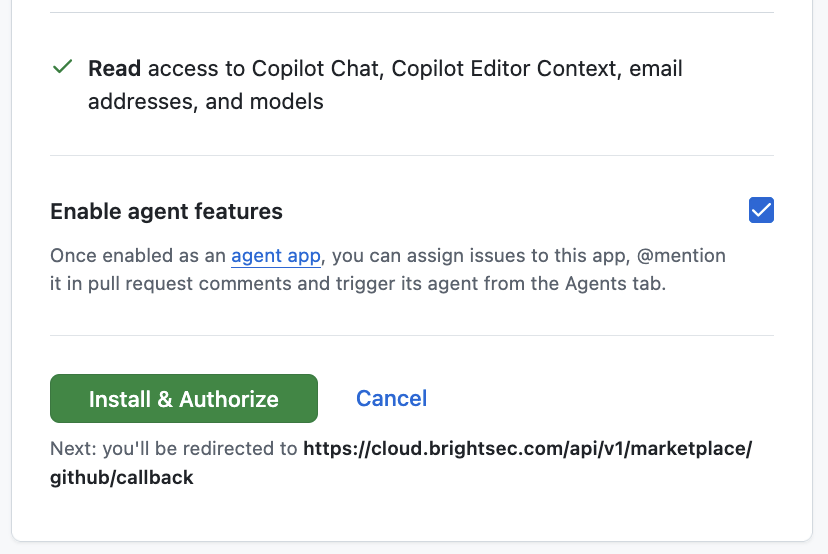
- Allow the app to access the repositories you want Bright to scan. Importantly, make sure the "Enable agent features" checkbox is checked.
- Bright Cloud signs you in with GitHub OIDC, creates the Bright organization for your GitHub organization, and provisions Bright projects for the selected repositories.
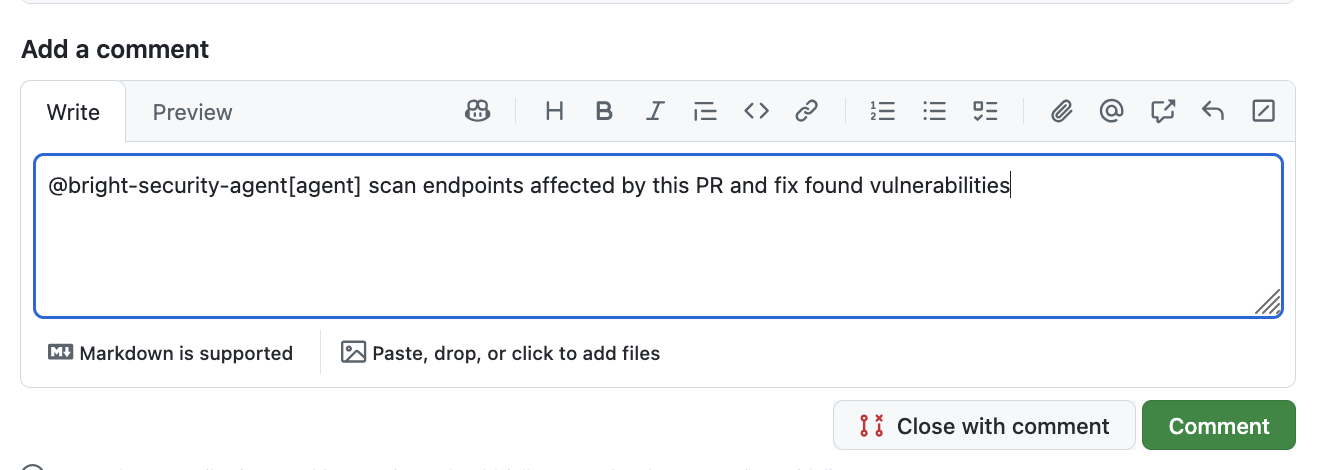
Use agent by mention it in pull request
In a pull request mention @bright-security-agent and prompt it with a request that matches your goal
@bright-security-agentAnalyze the changes in this pull request, start the affected application locally, run a dymacmic security scan against the affected surface, and fix found issues.At the end of the session, the agent provides a report about vulnerabilities it found and how they were addressed. Commit with fixing vulnerabilities added to the pull request.
Use the agent in GitHub Agents tab
- Open the Agents tab in repository .
- Open the Agents panel.
- Select
Bright Security Agent. - Start a new session with a prompt that matches your goal
Example of prompt
Run a dynacmic security scans against this application, fix the findings, and validate the fixes.At the end of the session, the agent provides a report about vulnerabilities it found and how they were addressed and code changes that address found vulnerabilities.
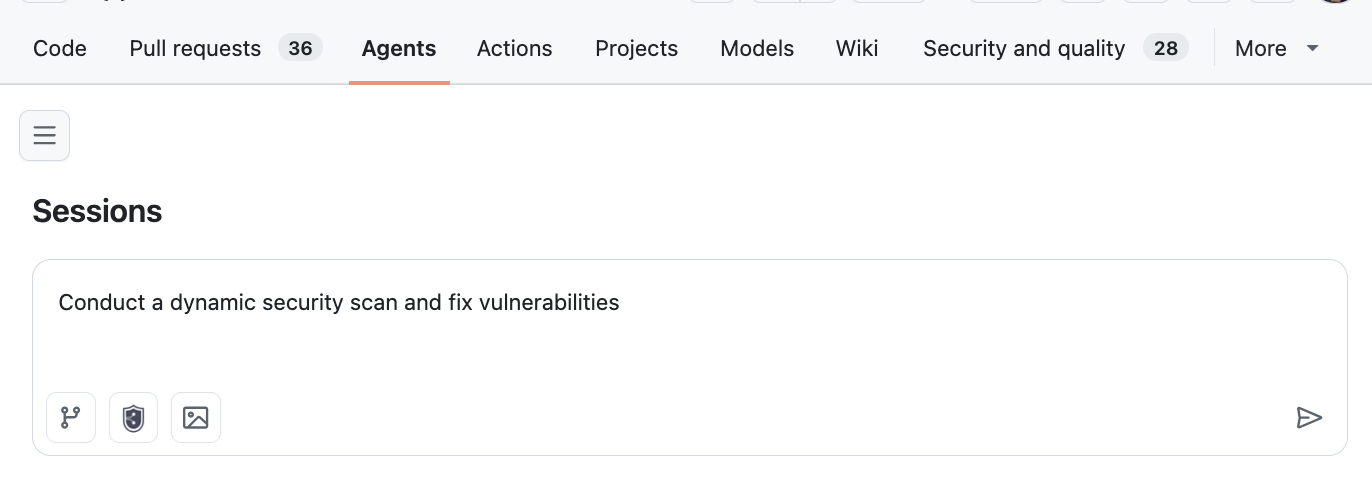
Then running a scanning a full application it is recommended to limit scope of scan to specific API or specific functionality, because scanning all entry-points may take a long time, while cloud agent duration is limited by Github.
What happens in the cloud run
During a typical run, the agent:
- Connects to Bright through MCP using GitHub-issued OIDC identity.
- Detects the runnable application and starts it inside the GitHub environment.
- Completes setup and authentication if the app requires it.
- Creates a Bright Repeater for the local target.
- Registers the reachable attack surface and launches a Bright scan.
- Reports findings from the current run only.
- In remediation mode, applies fixes, restarts the app, and validates the result.
Related pages
https://docs.brightsec.com/docs/workload-identity-federation
Updated 4 months ago