

Support Contact Branding
Support Contact Branding lets your organization control who users are told to contact for support inside Bright.
Instead of directing users to Bright Support, you can show your internal support team in:
- In-app alerts
- Email notifications
- Relevant system messages
This helps avoid incorrect ticket routing and reduces unnecessary escalations.
Who Is This For?
This feature is useful if:
- Your organization has an internal support team
- You want users to follow your internal support process
- You operate a dedicated cluster or internal ticketing system
Who Can Configure It?
- Organization Owners only
- Other users can view the setting but cannot change it
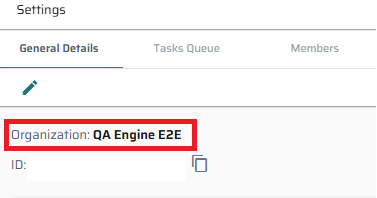
- The name is determined according to the organization name.
How to Configure Support Contact Branding
- Go to Organization Settings → General Details
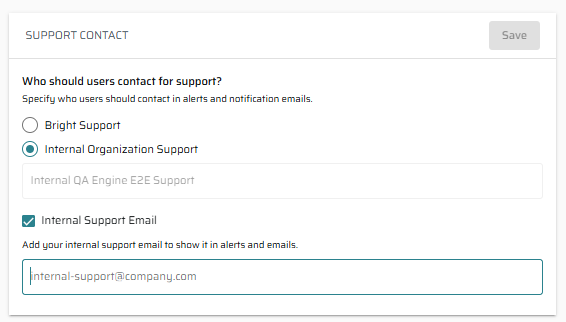
- Find the Support Contact card
- Choose who users should contact:
- Bright Support (default)
- Internal Organization Support
- If you select Internal Organization Support:
- The display name is set automatically to
Internal<Organization Name>Support - You may optionally add an internal support email
- Must include
@and a valid domain - Email is optional
- Must include
- The display name is set automatically to
- Click Save
What Users Will See
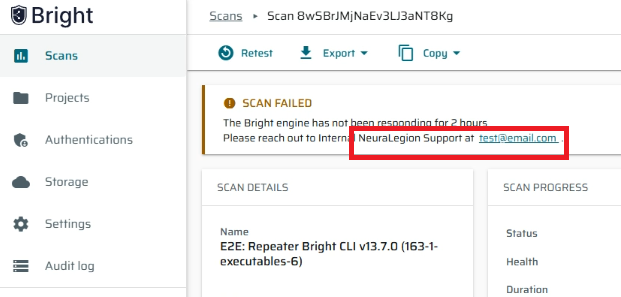
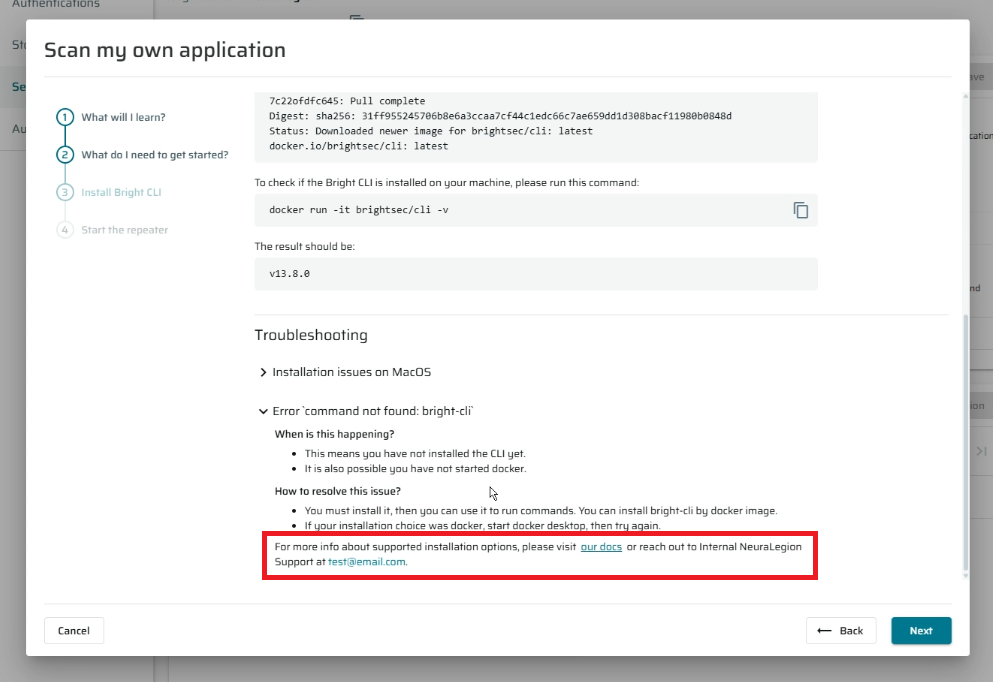
In-App Alerts and Docs
If internal support is enabled:
- Messages will say:
“Please reach out to Internal<Organization Name>Support.” - If an internal email is configured, it will be shown
- If no email is set, no email is displayed
Email Notifications
Email footers will show:
- “Questions? Contact Internal
<Organization Name>Support. Do not reply to this email.” - If an internal email is configured, it will appear
- Bright’s support email will not appear
Buttons, logos, and links remain unchanged.
Important Notes
- This setting applies only to the current organization
- There is no inheritance between parent or child organizations
- Each organization manages this independently
- Ticket routing and email delivery behavior do not change
Updated 9 months ago
Did this page help you?