

Release of March 10, 2026
Scans Tab in Project View
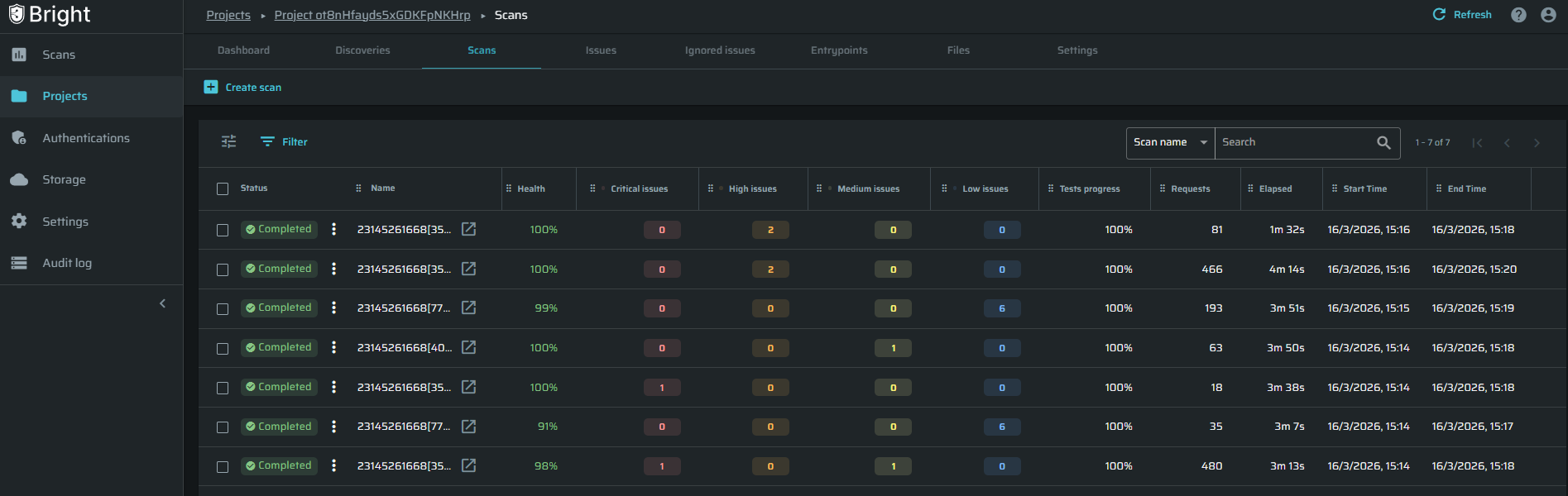
A new Scans tab is now available directly within the Project page.
Users can view and manage scan activity without leaving the project context, reducing context switching and improving workflow efficiency.
Bright - Wiz Integration
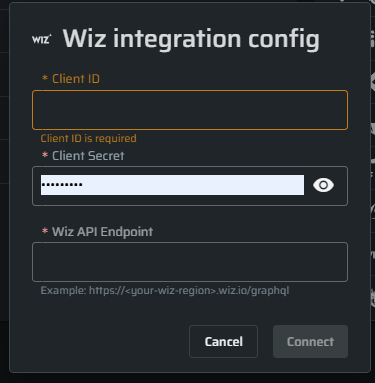
Bright now supports integration with Wiz, enabling automatic correlation between DAST findings and cloud assets.
When enabled:
- Bright automatically sends scan findings to Wiz after each scan.
- Wiz correlates vulnerabilities with the relevant cloud resources.
- When vulnerabilities are fixed and a new scan runs, Wiz automatically updates the issue status.
- This provides unified visibility across application and cloud security posture.
Documentation:
https://docs.brightsec.com/docs/wiz
Edit from Discovery and Scan Pages
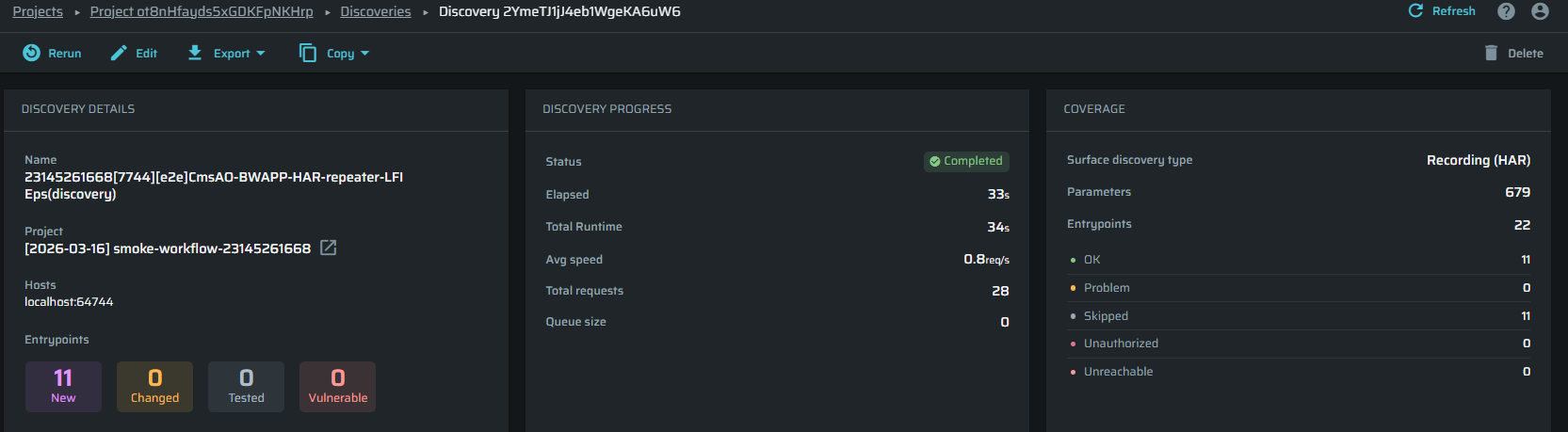
Users can now edit configuration directly from Discovery and Scan Details pages, eliminating the need to navigate back to project settings to make updates.
Storage File Deletion
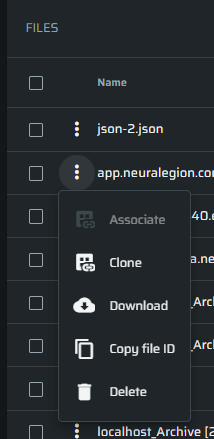
A Delete action is now available directly in the storage file kebab menu, allowing users to remove files individually without using bulk selection.
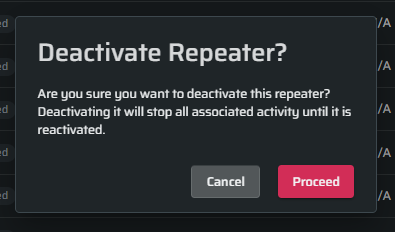
Repeater Deactivation Confirmation
To prevent accidental actions, a confirmation popup now appears when attempting to deactivate a repeater
Scan Runtime Display Issue
Fixed an issue where the Elapsed time could appear greater than the Total Runtime in scan progress, ensuring more accurate runtime reporting.