

Release of June 2, 2026
Enhancements
This release includes improvements to authentication setup, scan reliability, Jira integrations, dashboard experience, and platform integrations.
We are also introducing the new GitHub AgentHQ <> Bright integration, helping teams improve visibility and connect security workflows more easily across development and AppSec operations.
These updates are focused on making workflows simpler, reducing manual work, and improving the overall user experience.
AgentHQ <> Bright Integration
Bright Security is now available as an agent in GitHub AgentHQ. The agent can analyze your repository, start the application in the GitHub environment, prepare authentication, run dynamic security scans, and optionally generate fixes for confirmed vulnerabilities. It works directly on applications launched from source code during the GitHub session and provides a summary of findings, fixes, and validation results at the end of the run.
For more info, visit: our Bright Security Github Agent user guide
Flexible Jira Field Mapping
Jira integrations now support automatic mapping for required custom fields.
Teams using Jira boards with mandatory fields like Story Points, Priority, or internal custom fields can now configure them directly during setup.
This helps prevent failed ticket creation and removes the need for manual workarounds.
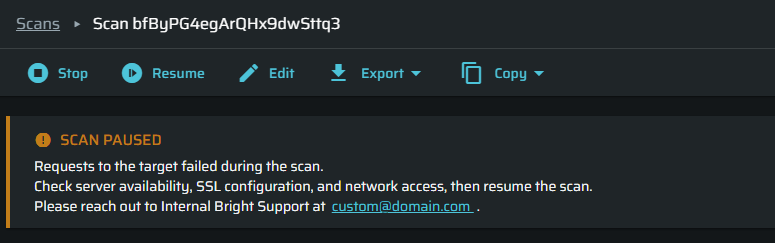
Automatic Pause for Scans and Discoveries
Scans and discoveries now pause automatically when infrastructure or connectivity issues are detected instead of failing immediately.
This helps preserve scan progress, reduces unnecessary failure alerts, and allows users to fix the issue and continue later.
Paused scans can remain recoverable for up to seven days.
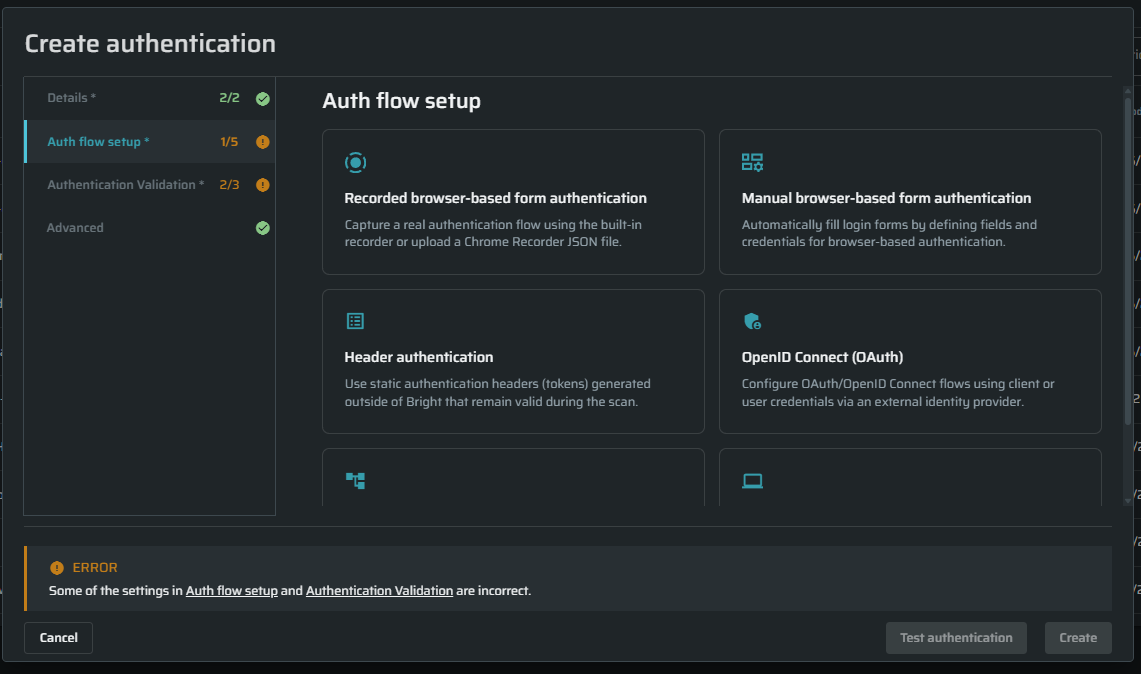
New Authentication Setup
The authentication setup window was redesigned with a cleaner and easier-to-use layout.
Users can now configure all supported authentication methods from one place using a tab-based interface with better navigation, clearer tooltips, and more workspace visibility.
This update helps reduce setup mistakes, makes onboarding easier, and lowers the need for support assistance during authentication configuration.
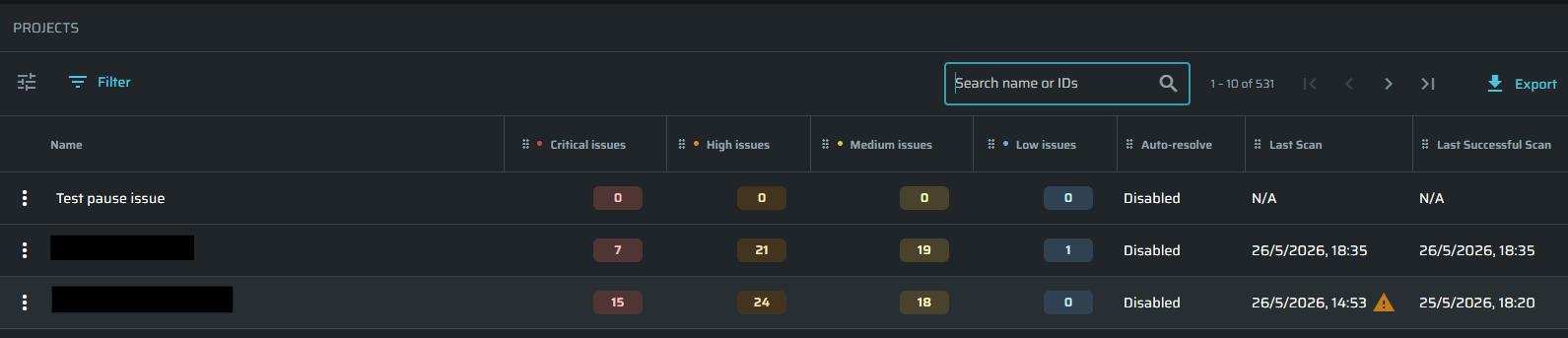
More Accurate Last Scan Status
The Last Scan field now shows the correct and most recent scan result.
Old failure indicators are automatically removed after a successful scan, giving users a more accurate view of project health and scan status.
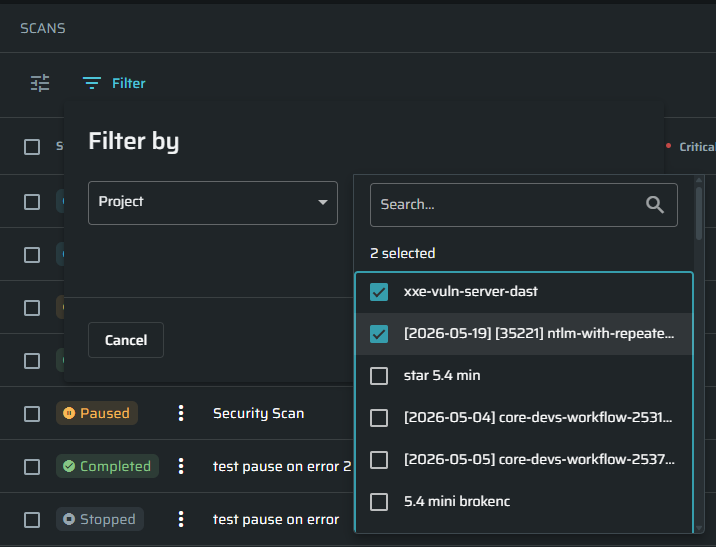
Search and Multi-Selection in Project Filter
The Project filter in the global Scans table now supports search and multi-selection.
Users can quickly find and filter scans across all projects, including environments with a large number of projects.
This makes scan management faster and easier.
Better Enforcement for Locked Template Fields
Locked fields in templates are now properly enforced after page refreshes and during scan retests.
Users can no longer accidentally modify protected fields after reloading the page, helping maintain template consistency and configuration integrity..