Release of February 10, 2026
Enhancement
This update focuses on strengthening security and reducing the risk of exposing sensitive information during authentication setup, while keeping configuration flexible for teams.
Default Masking for Recorded Authentication
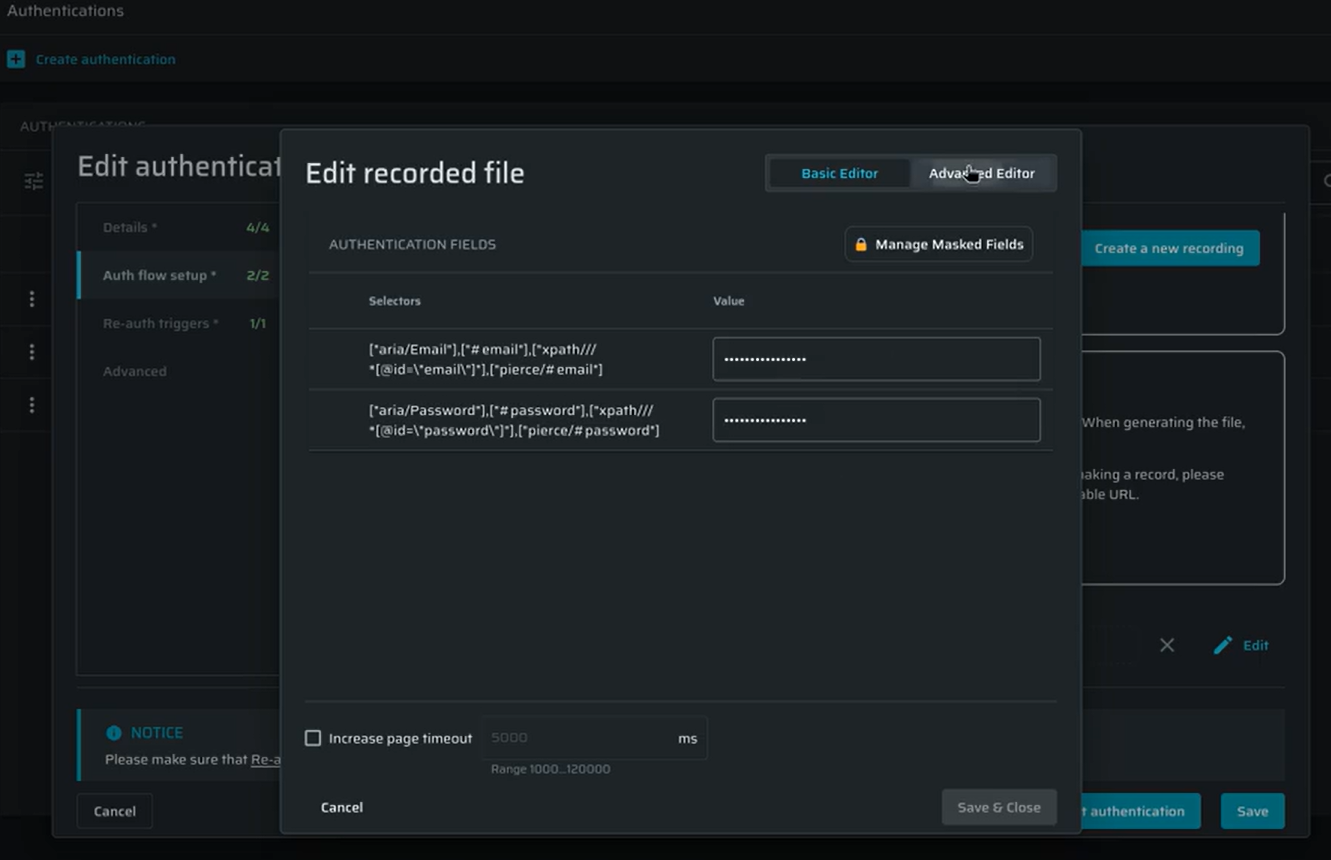
Sensitive values entered during recorded browser-based authentication are now masked by default, so credentials are never shown in clear text in the UI or authentication JSON.
This can be configured at the project level in Project Settings → General Details → Project Settings.
And overridden per authentication object in Auth flow setup → Recorded browser-based form authentication.
The project-level setting determines the default for new recorded authentication objects, while existing setups are automatically updated for backward compatibility. New projects have masking enabled by default, and changes apply only to newly created recorded authentication objects.
The ability to enable or disable masking is controlled by the field:set-masked and field:set-clear-text scopes, ensuring only authorized users can change how sensitive values are handled.
Custom SLA Configuration in Dashboard
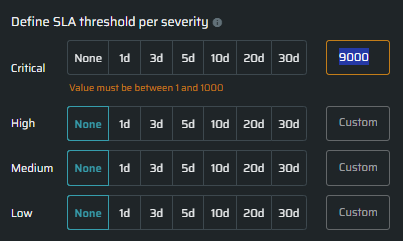
SLA and MTTR times are now shown in days instead of hours, making them easier to understand. Teams can also set custom SLA values per severity in days, instead of using only predefined options. The widgets automatically uses these values when showing SLA thresholds, breach status, and timeline scaling.
Only users with project.sla:manage permissions can change SLA settings. Custom SLA values can be set up to 1000 days per severity.
Clear Errors for SMS OTP Authentication
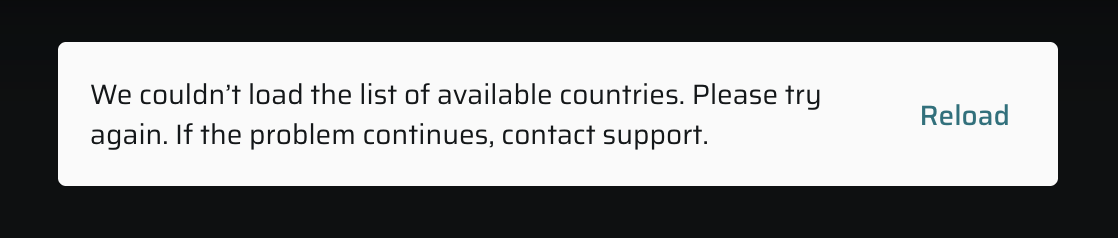
SMS-based OTP authentication now displays clear, user-friendly error messages when an issue occurs, making it easier to understand what went wrong and what to do next. This includes cases like failing to load available countries, no phone numbers being available, or issues reserving or releasing a phone number.
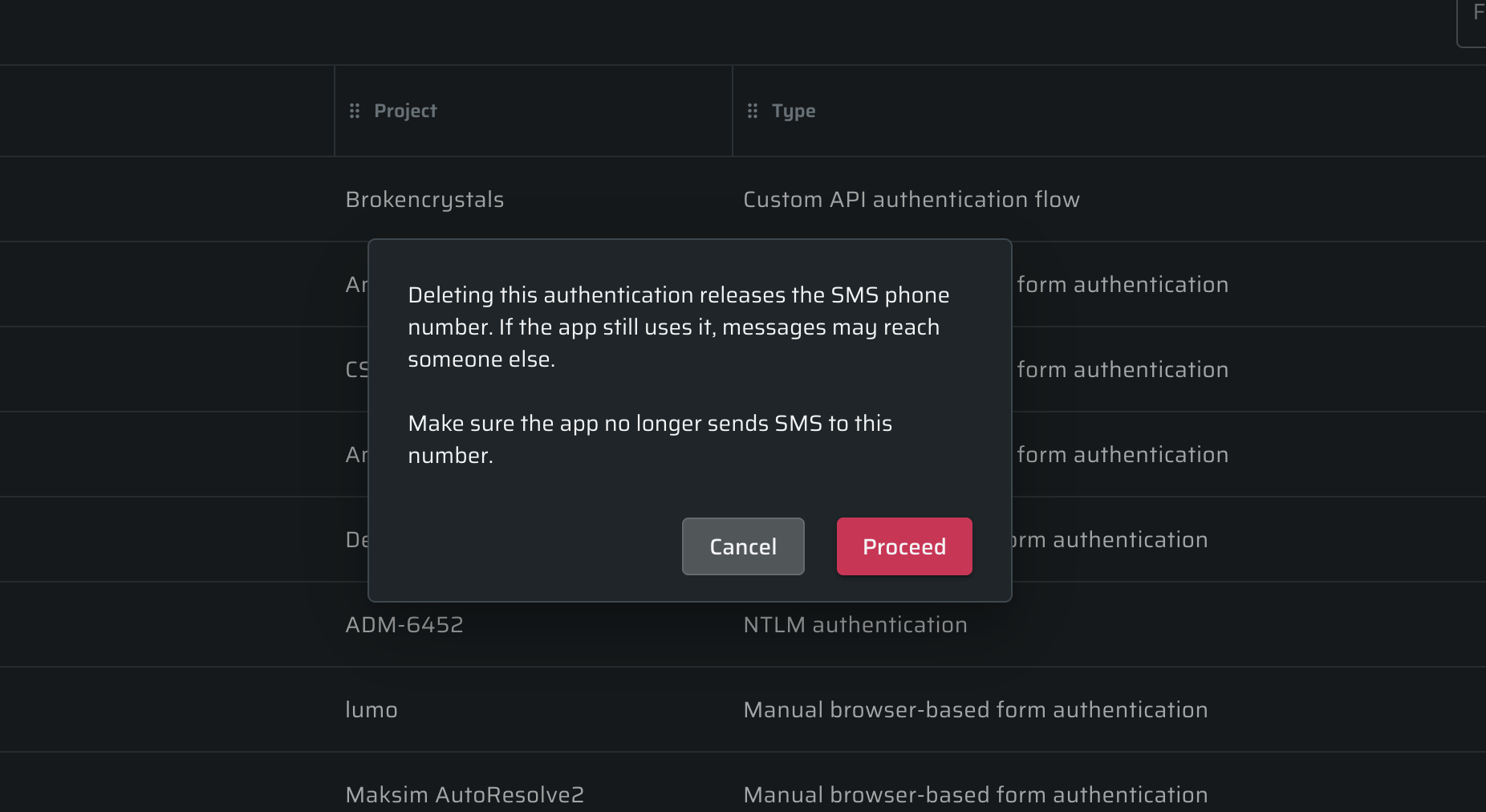
When deleting an SMS OTP authentication object, users will now see a clear warning explaining that the associated phone number will be released and may be reassigned. This helps prevent situations where verification messages could be sent to the wrong recipient if the application is still using that number.
Auto-Resolved Vulnerabilities Notification
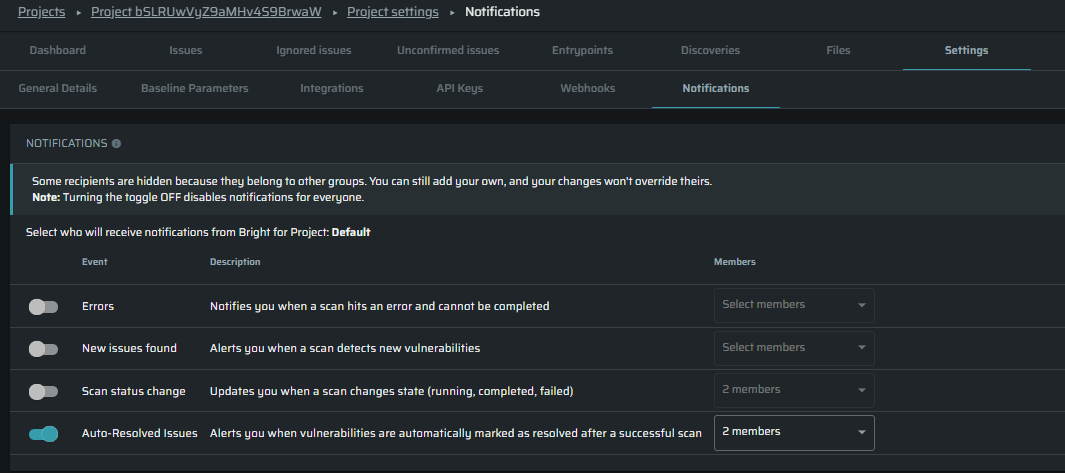
Added a new Auto-Resolve notification that emails users when vulnerabilities are automatically marked as resolved after a successful scan. The email is sent only if at least one issue is auto-resolved and both user and project notifications are enabled, with all resolved issues grouped into a single project-level message.