

Release of October 20, 2026
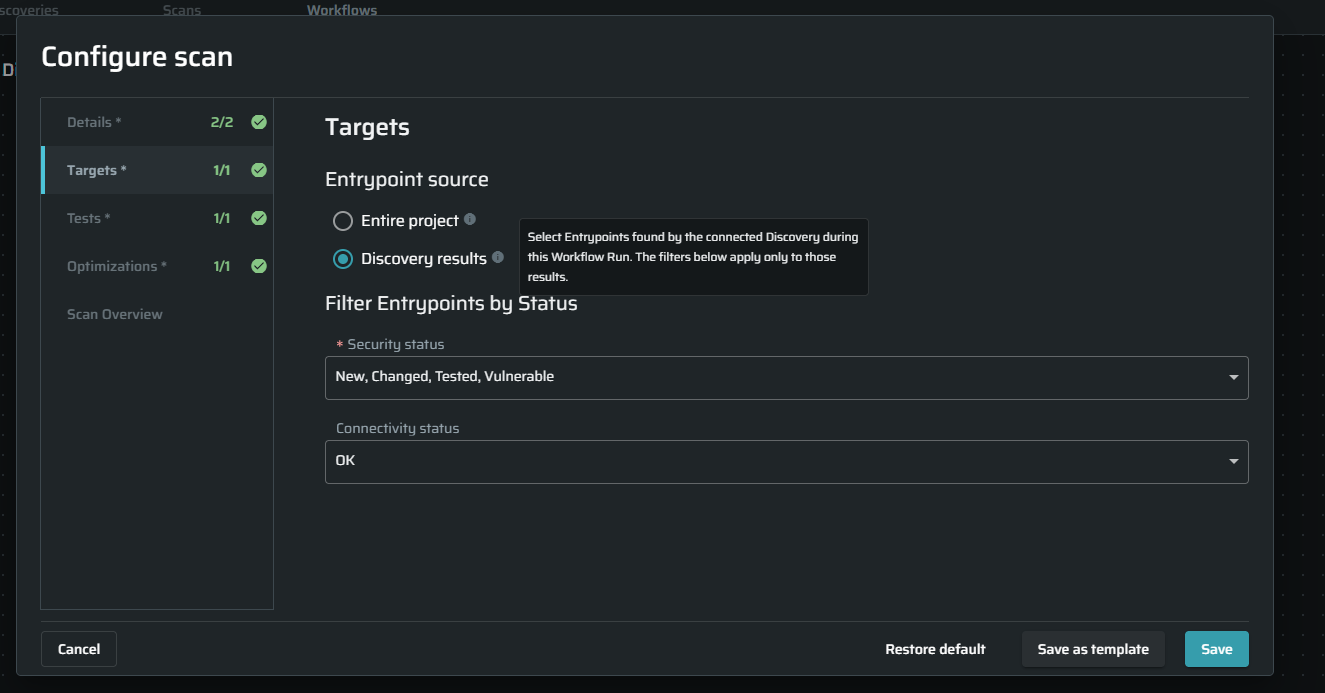
Scan Workflow Discovery Results
Previously, when running a workflow, a Scan following a Discovery selected entry points from the entire project, which could include targets outside the Discovery results.
You can now choose Scan Discovery results to scan only the entry points found during the connected discovery run. While applying security and connectivity filters to narrow the scope and avoid spending scan time on unrelated targets.
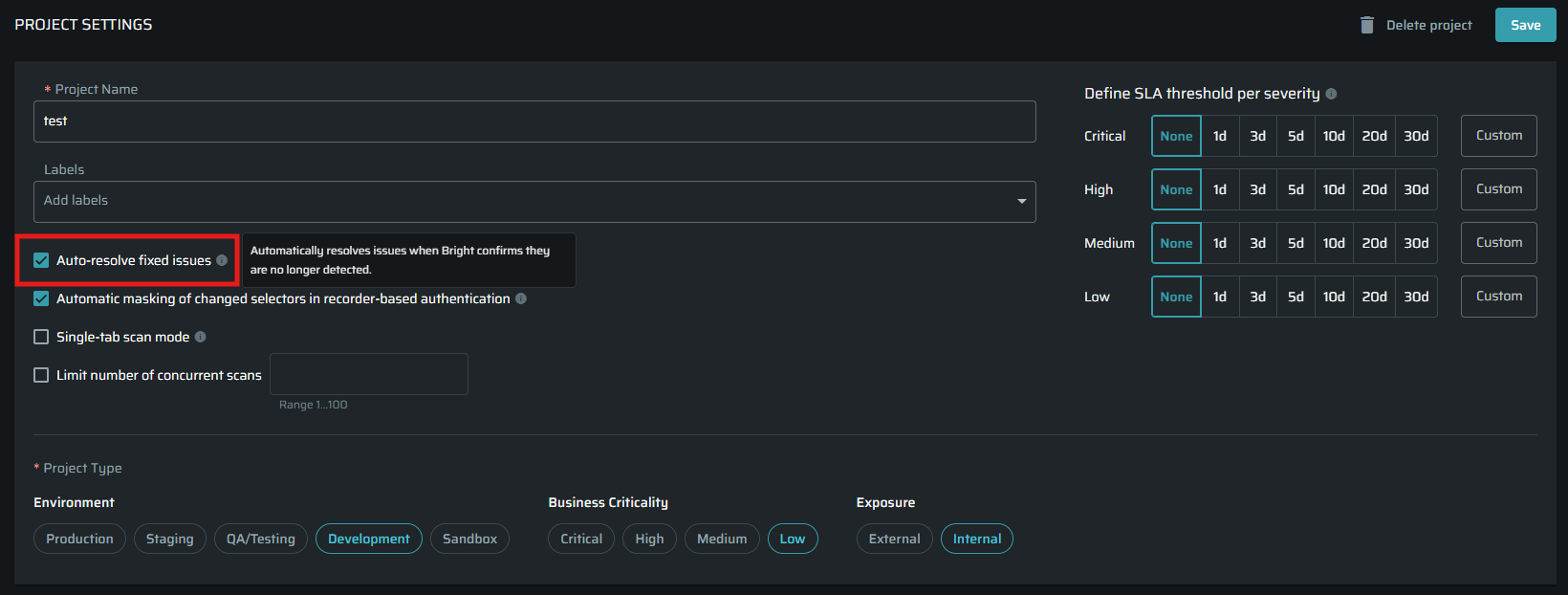
Organization-Wide Auto-Resolve Policy
Managing Auto-Resolve project by project made it harder to keep a consistent policy.
Organization Owners can now enable it for all projects, disable it for all projects, or manage selected projects in bulk. Giving better management capabilities and an overall view of project status.

In addition, the individual project setting for auto-resolve is now under Project Settings → General Details, making it easier to find and manage.
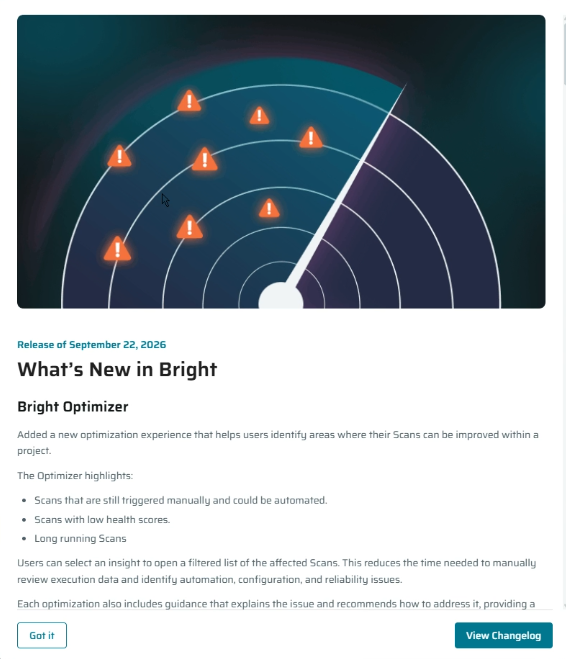
In-App Release Notes
Bright now shows What’s New in Bright on your first visit after each release, helping you discover new capabilities as they become available. You can reopen the release notes anytime and follow a link to the full changelog.
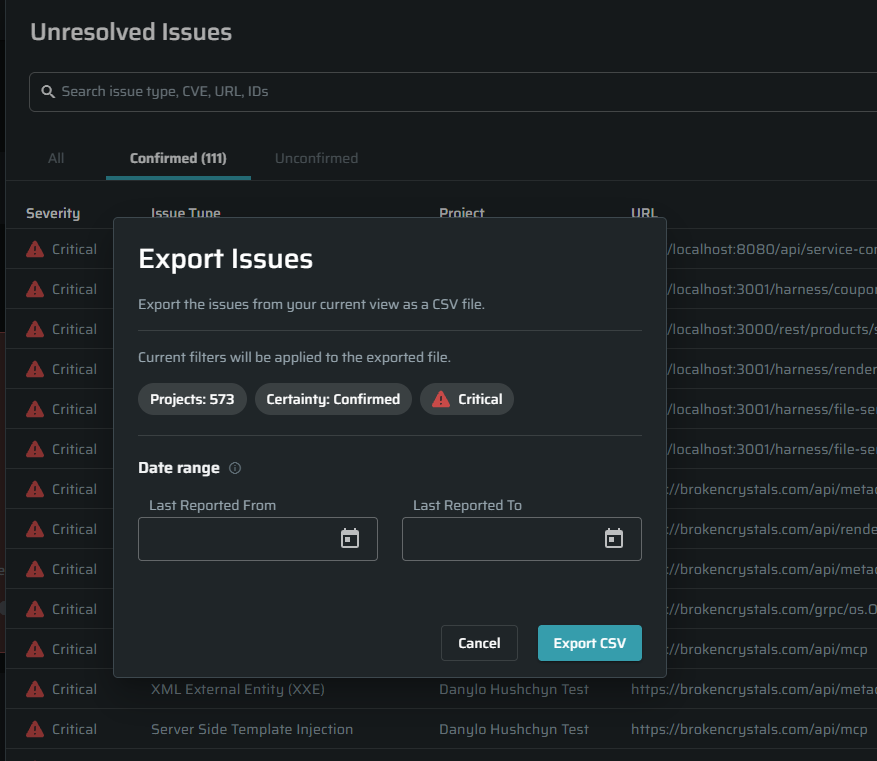
Issue Export by Date Range and Filters
Export the issues you need with less manual filtering in spreadsheets:
- Organization Dashboard: Export unresolved issues from the Unresolved Issues widget for a selected Last Reported date range.
- Projects: Filter the project list, then export issues across the matching projects for a selected Last Reported date range.
- Project Issues: CSV exports now respect the active filters in the Issues table, so the exported results match your filtered view.
See which authentication objects a scan used
The Authentication field in the scan configuration tab previously showed N/A, making it difficult to identify which credentials a scan used.
Scan details now show the authentication object names under Scan Info → Configuration → Authentication, with links to their settings.
This makes it easier to review scan configuration and investigate authentication problems.
Auto-Resolve for JavaScript CVEs
Fixed JavaScript CVE issues previously required manual status updates. With Auto-Resolve enabled, Bright now automatically resolves each JavaScript CVE issue when it is no longer detected in a rescan, even if other JavaScript CVEs remain.
This reduces manual cleanup and helps keep your issue list aligned with your remediation progress.
This update applies to JavaScript CVEs only.
UX/UI Improvements
-
Technical IDs made it harder to recognize projects, scans, and discoveries while navigating. Breadcrumbs now show their names, so you can quickly see where you are and move between related pages.Names in Navigation Breadcrumbs

-
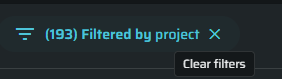
Clearing filters previously required opening the Filters menu. A new Clear filters button beside the Filter button lets you remove all active filters in one click, making it faster to return to the full list.One-Click Filter Reset
-
Clearer Dashboard Labels and Tooltips
Unclear widget labels and tooltips made task data harder to interpret. Updated wording explains task statuses, how scans and discoveries were triggered, and where they were started, including MCP and GitHub Actions.
This helps you understand task activity and investigate paused, stopped, or failed tasks more easily.
AI PT Improvements
Multi-Account Testing in AI PT
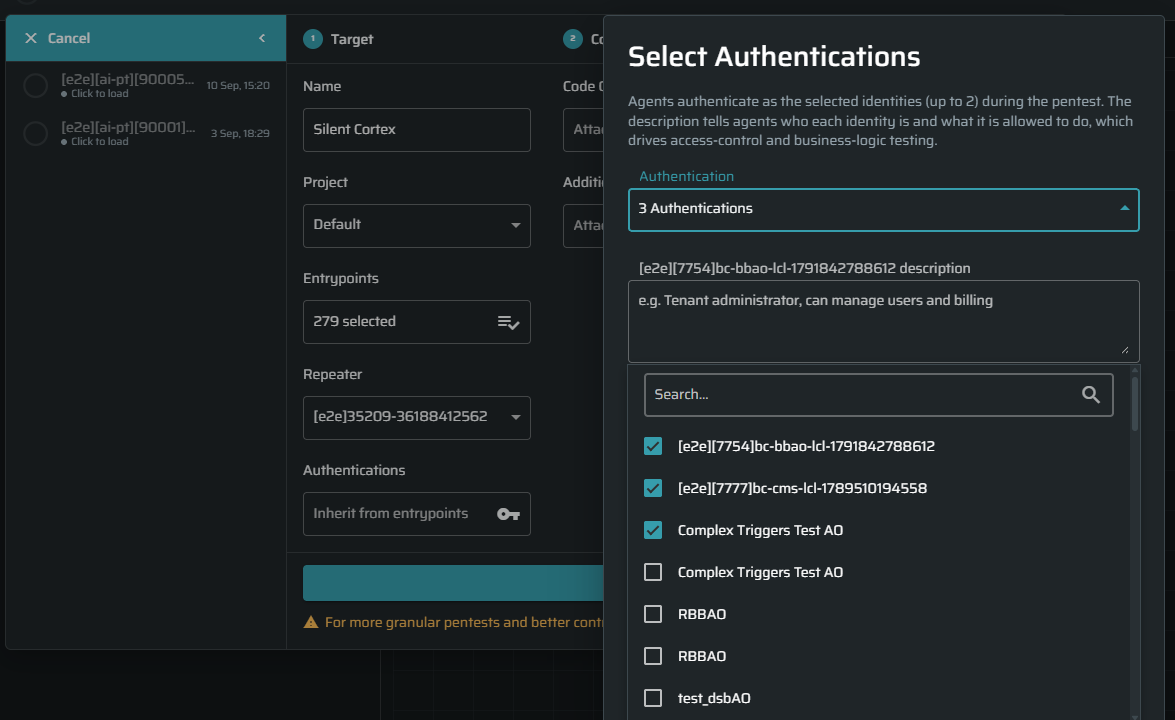
AI PT can now test how your application handles access across different accounts and roles. Add multiple authentication objects and describe what each account should be allowed to do.
This helps AI PT find permission gaps that single-account testing may miss, such as one user accessing another user’s data or performing actions reserved for an admin.
Security Testing Improvements
Faster SQL Injection Testing on Complex Targets
SQL injection testing is now more efficient on large, multi-parameter targets, where a scan could previously spend a very long time on a single entry point. The test now stops early on parameters that cannot be injected, and handles large, deeply nested payloads that repeat the same field many times without re-testing that field each time. Scan times on these targets are reduced, with no change in coverage.
More Reliable Completion on Large Scans
Fixed an issue where large scans of applications returning big responses could fail partway through. These scans now complete reliably without needing a rerun.
Scans No Longer Get Stuck Near Completion
Fixed an issue where a scan could stall at a fixed progress percentage and never finish. Scans now complete as expected, and a scan that finishes cleanly reports 100%.
More Accurate CVSS Scores for JavaScript Library Findings
RetireJS (vulnerable JavaScript library) findings no longer display #N/A for CVSS when the upstream vulnerability data is incomplete. These findings now carry proper CVSS vectors and severity.
More Stable, More Accurate Attack Testing
- CSRF. Testing no longer alters application state during multi-step flows (such as checkout or multi-stage forms), producing more consistent, repeatable results.
- SQL injection. Fixed a case where the test could occasionally skip a parameter, for more consistent results across runs.
- Structured inputs. Scans now test complete structured values that were previously skipped, improving coverage on modern APIs.
Scan Templates Apply Settings Correctly
Loading a scan template now replaces the current settings, tests, and target parameter locations with the template's values. Previously, a template that narrowed the scope (for example, excluding the URL fragment or headers) could not remove options already selected, so it had no effect. Templates now apply exactly as defined.
Coming Next Release: Default 7-Day Duration Limit
Starting with the next release, scans and discoveries will automatically pause after 7 days by default, helping prevent tasks from running longer than intended.
This also applies to existing scheduled and recurring tasks from their next execution. Tasks already running will not be affected.
You can adjust or disable the default in Organization Settings, or choose a custom duration or No limit for an individual scan or discovery.
If your tasks normally run for more than 7 days, review your duration settings when the next release becomes available.